
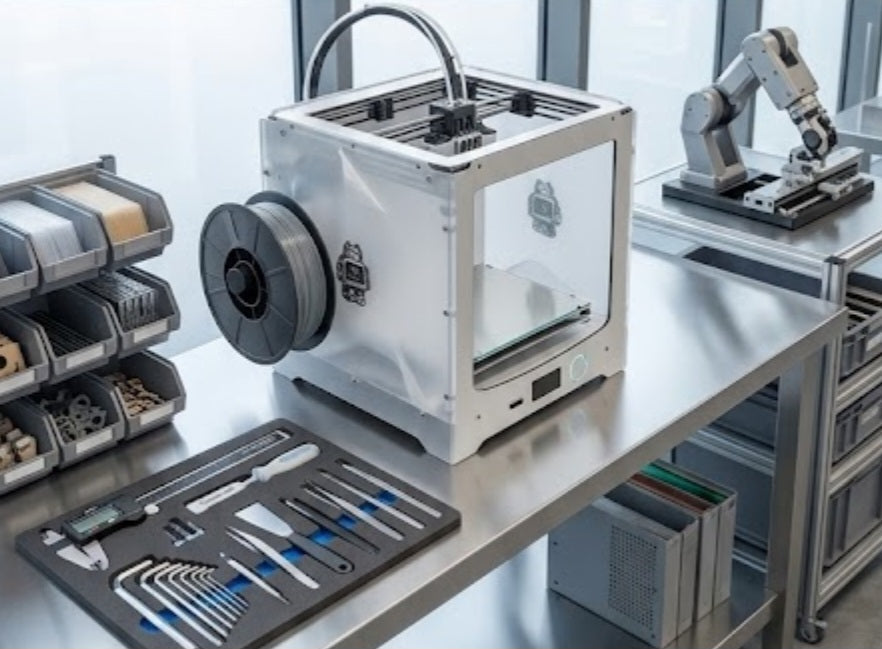
Handing over a brand-new 3D printer to a customer—whether it is an entry-level bed-slinger for a home workshop in Durban or an enclosed high-temp industrial machine for an engineering firm—is always an exciting milestone. The moment the machine leaves the box, gets plugged in, and prints its first calibration benchy, a flood of technical questions inevitably follows. New users go from pure excitement to sudden overload as they encounter bed adhesion, stringing, slicing parameters, and filament storage. To help you provide world-class after-sales support and cut down on endless phone calls, here are the first ten questions customers ask after buying a 3D printer, along with the definitive answers you can share with them.
The first major hurdle almost every beginner faces is bed adhesion, leading straight to the classic question of why their first layer is peeling off the build plate. This issue is almost always caused by an incorrect nozzle-to-bed gap, oil residue from fingers on the build surface, or printing too fast on the initial layer. The fix is straightforward: instruct customers to wash textured PEI plates or glass beds with warm water and dish soap, re-level the tramming, and drop their initial layer speed down to twenty millimeters per second.
Closely tied to setup is the eternal question of what temperatures to set for nozzles and beds when using standard PLA. While PLA is the most forgiving filament for beginners, it still has a sweet spot that guarantees success. You should advise your customers to set their hotend nozzle between two hundred and two hundred and ten degrees Celsius, while keeping the heated bed steady at sixty degrees Celsius. If they are experimenting with Silk PLA, bumping the nozzle up slightly to two hundred and fifteen degrees Celsius ensures better layer bonding and a brilliant high-gloss sheen.
Once they get prints sticking, users inevitably notice thin, hairy strings of plastic connecting separate parts of their model and ask how to eliminate them. That phenomenon is known as stringing or oozing, and it happens when molten plastic leaks out of the nozzle while it travels across open air between islands. The solution involves increasing the slicer's retraction distance and retraction speed, alongside making certain that the filament is completely dry, since wet filament boils inside the hotend and creates micro-pressure that forces plastic out continuously.
This leads directly to the fourth critical question: how to store filament properly so it does not ruin over time. Thermoplastic filaments like PLA, PETG, Nylon, and TPU are highly hygroscopic, meaning they absorb moisture straight out of the ambient air, resulting in popping sounds during extrusion, weak brittle layers, and rough surface blobs. Customers must store open spools in airtight plastic storage boxes or vacuum-sealed bags packed with rechargeable silica gel packs, and dry any wet spool in a dedicated filament dryer or food dehydrator at forty-five to fifty degrees Celsius for four to six hours.
New users also frequently ask whether they need to use glue sticks, hairspray, or painter's tape on their print bed. On modern spring-steel PEI magnetic sheets, the answer is a definitive no, because clean PEI provides incredible adhesion when hot and releases parts effortlessly once cooled down to room temperature. Glues and hairsprays should be saved exclusively for specialty engineering materials like ABS or Nylon on glass or G10 beds, where a release agent is necessary to prevent the plastic from fusing too aggressively to the surface.
When prints start curling upward at the corners, customers immediately ask why their parts are warping. Warping is caused by uneven cooling and thermal contraction; as hot plastic cools down, it shrinks, and if the bottom layers cool down too quickly compared to the upper layers, the corners pull upward off the bed. To counteract this, users should turn off auxiliary part cooling fans for the first three to five layers, close their enclosure doors if they are printing ABS or ASA, and eliminate drafty air currents blowing across their workspace.
Choosing the right software is another common crossroads, prompting the question of which slicer they should use to translate CAD files into machine-readable G-code. Recommend industry-standard software options like PrusaSlicer, OrcaSlicer, or UltiMaker Cura because they come pre-configured with tested profiles for almost every machine on the market and offer robust tree-support generation.
Maintenance questions follow soon after, particularly regarding how often users need to clean or replace their nozzles. Nozzles endure continuous thermal and mechanical stress, especially when printing abrasive composite filaments like carbon-fiber or glow-in-the-dark PLA, which means users should perform cold pulls to clear out carbonized clogs and upgrade from standard brass to hardened steel or ruby-tipped nozzles if they print abrasives frequently.
Beginners also misunderstand internal structural strength, often asking whether they should jack up their infill density to eighty percent to make parts indestructible. In reality, structural strength comes primarily from external walls rather than dense internal filler. Advise your customers to keep infill between fifteen and twenty-five percent using strong patterns like Gyroid or Cubic, and instead add one or two extra wall loops to dramatically increase drop strength and rigidity without wasting print time or filament weight.
Finally, customers often panic when they hear a clicking sound coming from their machine during extrusion. That clicking noise is the extruder's stepper motor gear slipping against the filament because it cannot push plastic through the nozzle fast enough due to a restriction. This points to a nozzle temperature that is too low, print speeds exceeding the hotend's volumetric flow rate limit, or a partial clog at the heatbreak, which can be resolved by raising the temperature by ten degrees Celsius or slowing down the volumetric flow rate in the slicer.
Cultivating Long-Term Manufacturing Confidence
Equipping new makers and engineering clients with the right foundational knowledge from day one shifts their entire production mindset. Instead of viewing occasional print failures or material quirks as frustrating roadblocks, they begin to approach troubleshooting with analytical precision. By demystifying the mechanics behind thermal contraction, moisture absorption, and flow dynamics, your studio establishes itself as an authoritative hub of technical excellence. Ultimately, proactive education turns nervous first-time owners into loyal, long-term advocates for your brand, ensuring every machine deployment marks the start of a thriving collaborative relationship.


