
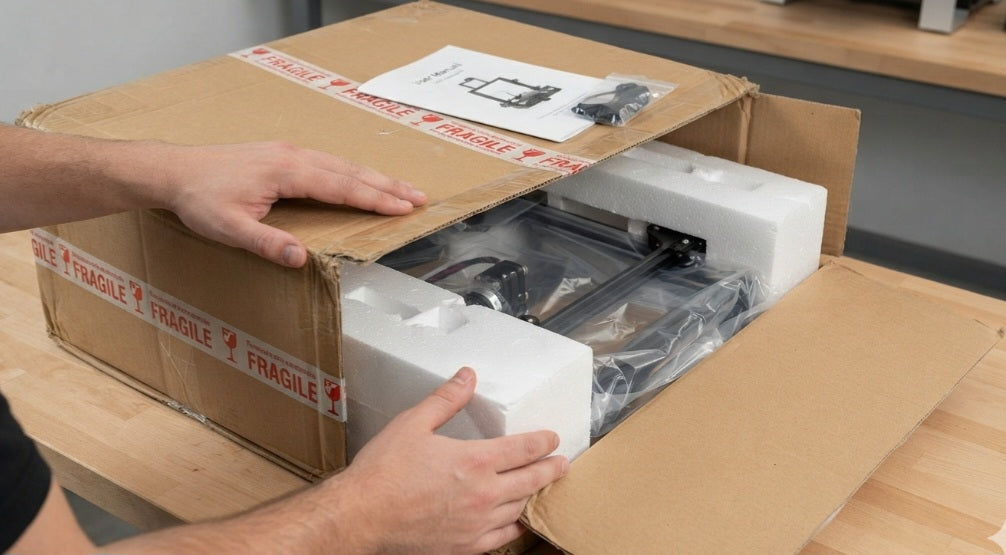
Unboxing and Inspection Guide for South African Workshops
Inspect External Packaging for Transit Damage:
Before signing the courier waybill, meticulously examine the outer carton for severe crushing, punctures, or water damage—protecting your warranty rights against rough handling across South African freight networks.
Verify Mechanical Axis Movement:
Manually slide the print head and build plate along the X, Y, and Z axes to check for smooth, binding-free movement, ensuring lead screws and linear rails weren't distorted during long-distance transit.
Inspect Wiring Harnesses and Electronics:
Check all internal and external cable connections, stepper motor plugs, and power supplies to confirm nothing shook loose during transport before powering on your machine.
Check Local Voltage and Power Compatibility:
Ensure your new printer's power supply input matches standard South African mains voltage (230V), protecting your investment from electrical surges upon first startup.
Taking delivery of a brand-new industrial or professional 3D printer via courier is a major milestone for any workshop scaling up its additive manufacturing capabilities. However, before you sign off on the delivery note or plug the machine into the wall, executing a rigorous unboxing and inspection protocol is essential.
Long-distance freight transit—whether navigating regional routes into Durban or traveling down major national highways—puts heavy stress on delicate mechanical assemblies, precision lead screws, and sensitive electronics.
The first line of defense begins before the driver even leaves. If the outer carton shows deep tears, crushed corners, or moisture exposure, make a formal, written note on the courier's delivery documentation. Once unboxed in your workshop, resist the immediate urge to run a test print. Instead, take the time to manually check the motion system. Slide the print carriage and print bed back and forth to feel for any rough spots, loose belt tensions, or binding guides that indicate transit shock.
Next, open the electronics compartment and inspect component security. Vibration from transport frequently backs up screw terminals, loosens thermistor wires, or unseats ribbon cables. Verifying these connections early prevents mysterious error codes, print failures, or thermal runaways on your very first job. Furthermore, always double-check the power supply input switch to ensure it is set correctly for South African electrical standards. Taking these systematic steps protects your capital investment, validates your warranty, and ensures your new equipment transitions smoothly from the courier box directly into profitable production, all budgeted accurately in South African Rands (ZAR).


