
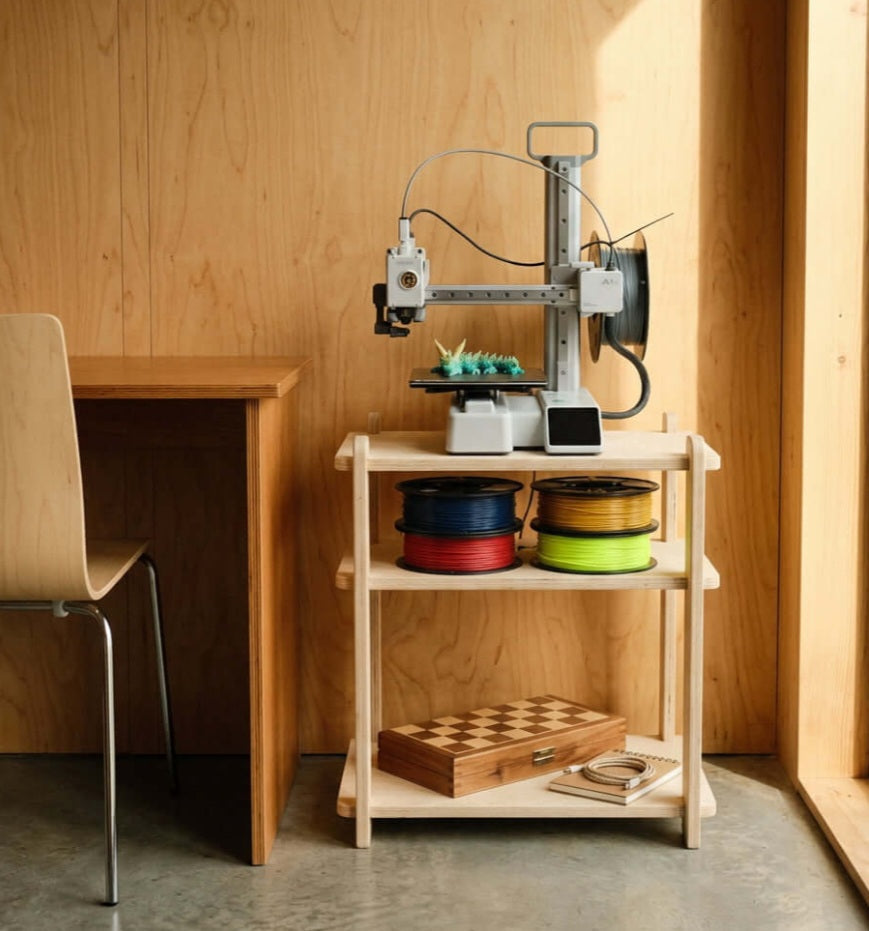
Space, Safety, and Ventilation
Choose a Stable, Low-Vibration Surface:
Place your printer on a heavy, rigid workbench or solid desk that won't flex or shake during rapid acceleration, preventing layer shifts and print artifacts.
Prioritize Adequate Ventilation:
Ensure your printing area has good airflow or active extraction, especially when printing materials like ABS, ASA, or nylon that release potentially irritating fumes and ultrafine particles.
Keep Out of Direct Sunlight and Drafts:
Avoid setting up near open windows, AC vents, or direct sun, as sudden temperature fluctuations cause uneven cooling, warping, and print delamination.
Manage Noise and Enclosure Needs:
Position open-frame machines in spaces where stepper motor whine won't disrupt daily living, or use an enclosure to dampen sound and maintain stable ambient temperatures.
Finding the right spot for a 3D printer in a compact home or apartment requires balancing convenience, safety, and acoustic comfort. Unlike office printers, desktop additive manufacturing machines generate continuous mechanical vibration, localized heat, and operating noise that can easily disrupt a small living space if not thought out properly. Furthermore, material selection plays a massive role in placement; while printing harmless PLA in a bedroom corner is generally manageable, engineering filaments require careful thought regarding air quality and indoor ventilation.
Setting up your machine on a rock-solid surface is the absolute first priority. A wobbly folding table or a cheap desk will absorb the rapid movements of the print head, directly translating into surface imperfections and ghosting on your models. Beyond stability, consider environmental factors like ambient drafts. A sudden gust of air from a window or doorway causes rapid cooling across the print bed, leading to warped corners and failed prints—particularly on larger parts. By carefully selecting a dedicated, well-ventilated nook for your setup, you protect your print quality while keeping your living environment comfortable and safe.
Proper placement is the foundation of reliable desktop 3D printing in a compact home. By locking down a stable, vibration-free surface and minding your local ventilation, you eliminate half your print failures before you even hit start.


