
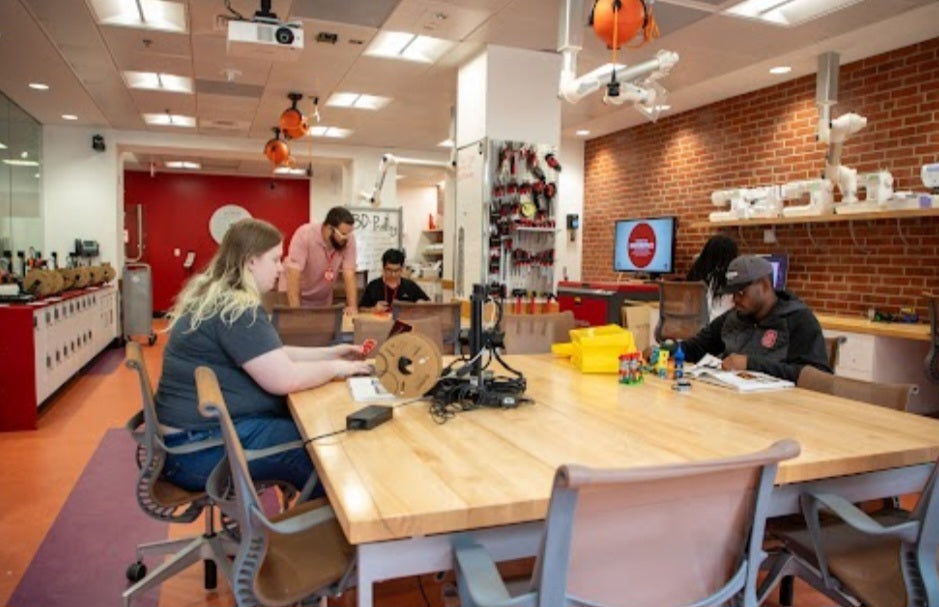
Transforming a quiet school or community library into an active technology hub is a phenomenal way to democratize access to digital fabrication. However, unlike a dedicated, high-supervision technical workshop, a library makerspace operates under very different constraints. It requires equipment that is quiet, approachable for independent student use, highly reliable, and capable of functioning smoothly without constant technician intervention. For South African schools and community centers working with carefully allocated budgets measured in Rands, selecting the right machine means balancing user-friendliness with low maintenance overhead.
Prioritize Fully Enclosed Chambers for Safety and Odor Control: Choose printers with physical doors and HEPA or carbon filtration to contain stray fingers from hot moving parts and minimize polymer smells in open-plan spaces.
Insist on Automated Bed Leveling and Calibration:
Select hardware that features hassle-free auto-tramming and sensor-based first-layer calibration, eliminating the learning curve and frustration for casual library users.
Look for Silent Stepper Drivers and Quiet Fans:
Ambient noise can disrupt a library environment quickly, so investing in modern motherboards with silent drivers ensures the machine operates without a disruptive humming background noise.
Evaluate Remote Monitoring and Print Queue Software:
Pick printers that integrate smoothly with network management tools or cloud slicing so librarians can monitor progress and queue jobs without hovering over the unit all day.
Beyond the hardware specifications, selecting a library-grade 3D printer also means considering how easily novices can load and unload filament without tangling spools or clogging hotends. Direct-drive extruders with straightforward, push-to-release loading mechanisms reduce user error and prevent frustrating jams that library staff would otherwise have to troubleshoot manually. Furthermore, selecting a machine with a sturdy build plate—such as a flexible magnetic PEI sheet—makes it simple for students to pop finished models off the surface without needing sharp metal scrapers that could cause injuries in an open public area.
Investing in a robust, low-maintenance unit guarantees that the library makerspace remains an inviting, stress-free zone for independent exploration. When the equipment runs smoothly, librarians can focus on fostering creativity, inspiring technological curiosity, and supporting student research projects rather than constantly fixing hardware malfunctions.


