
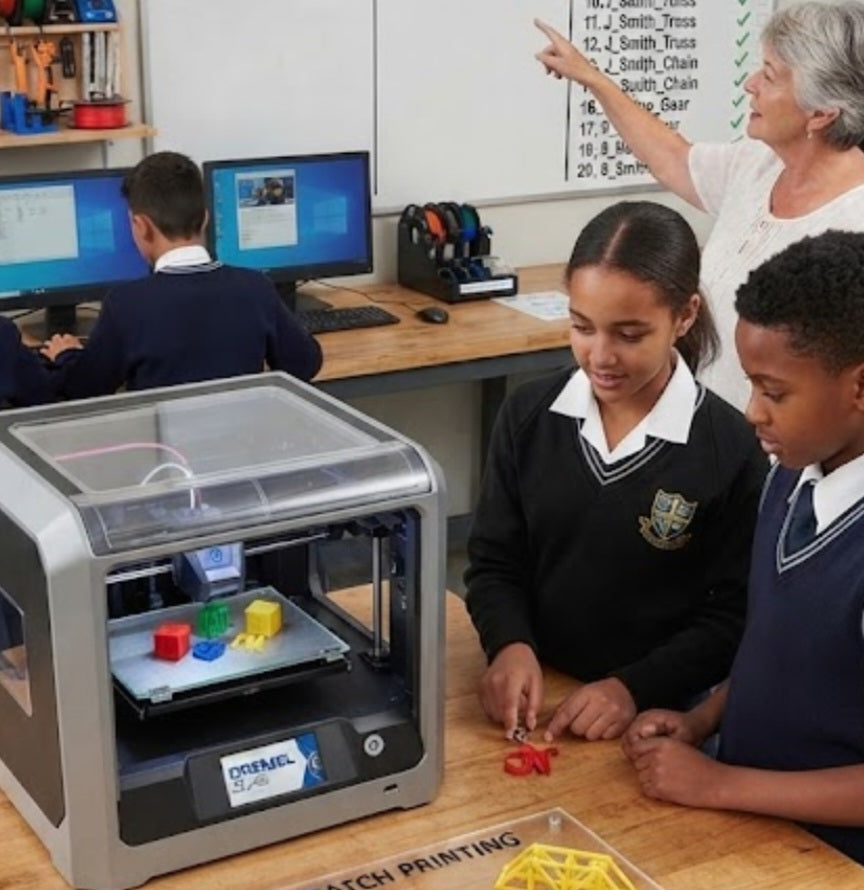
Managing a single 3D printer with an eager class of 30 learners can quickly turn a cutting-edge technology lesson into a chaotic bottleneck. When every student finishes their digital model at the same time and expects it to print immediately, teachers face a logistical nightmare of long queues, corrupted SD cards, and idle students staring blankly at a busy machine. Running an efficient school print queue requires establishing a disciplined, transparent workflow that maximizes machine uptime while teaching learners the industrial realities of project scheduling and batch manufacturing.
Implement a Standardized Digital Submission Format: Require students to export their CAD designs to a strict naming convention (e.g., student number and project name) and submit files to a centralized teacher review folder 24 hours before class.
Batch Print Similar Component Footprints:
Group smaller student projects—such as keychains, gears, or calibration tokens—together onto a single build plate in the slicer software to print multiple items in one continuous run.
Enforce Strict Time Limits per Student Job:
Cap individual or paired student print allocations at a maximum of 25 minutes by optimizing layer heights (0.28\text{mm}) and wall counts to keep the rotation moving.
Maintain a Visible Queue Tracking Board:
Display a digital or physical status board showing which files are currently printing, which are queued next, and which have finished so students can track their project progress without crowding the workstation.
Transforming a school printer queue from a source of friction into an orderly production line mirrors how professional engineering firms manage prototype fabrication. By pre-slicing student files ahead of time, the instructor can verify structural integrity, check for overhangs that require supports, and estimate precise filament consumption down to the gram. This administrative prep work prevents catastrophic first-layer failures mid-lesson, ensuring that valuable class time is spent analyzing results rather than scraping botched prints off the build plate.
Furthermore, integrating this queue management system into your technology curriculum teaches students valuable lessons in resource allocation and patience. When learners understand that manufacturing capacity is a shared, finite asset—much like operating industrial machinery in the commercial sector—they learn to respect workflow logistics. A well-run print queue keeps thirty students engaged, productive, and excited to see their designs materialize without overwhelming the teacher or the hardware.


