
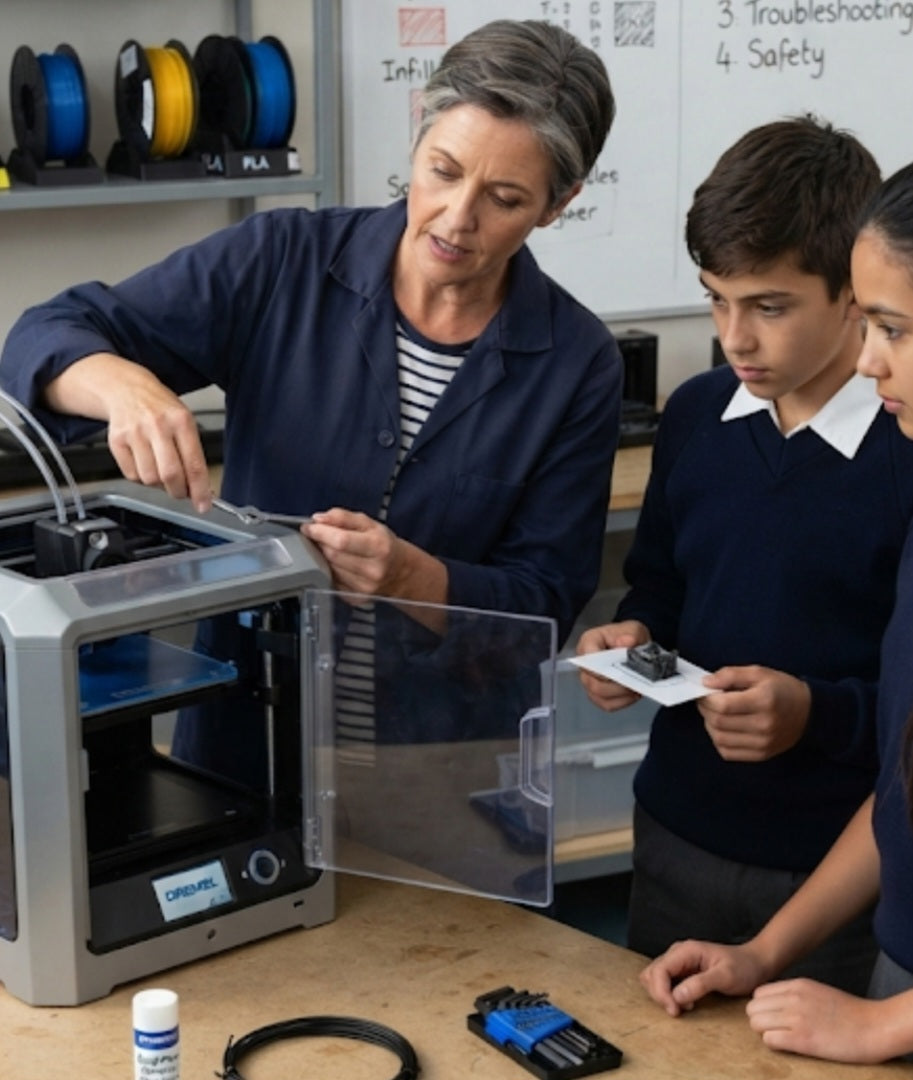
Introducing additive manufacturing into a South African school curriculum is an exciting milestone for any technology department, but jumping in without foundational technical knowledge can quickly turn a cutting-edge lesson into a frustrating exercise. Before a teacher ever invites thirty students to queue up their first digital designs, mastering the fundamental mechanics, software quirks, and physical limitations of the machine is essential. Relying on trial and error in front of a restless classroom wastes precious time, burns through valuable school budget allocations in Rands, and undermines the educator's authority. Preparing ahead of time ensures a smooth, confident workflow that keeps learners engaged and equipment protected.
Master the Mechanics of First-Layer Adhesion:
Understand how nozzle height, bed leveling, and surface cleaning dictate whether a print succeeds or peels halfway through, saving your class from catastrophic failure.
Decode Basic G-Code and Slicer Settings:
Learn how to adjust infill percentages, layer heights, and print speeds in slicing software so you can vet student files before they ever touch the machine.
Recognize and Troubleshoot Common Failure Modes:
Familiarize yourself with the warning signs of clogged hotends, filament slipping, and thermal runaway errors so you can diagnose problems instantly.
Establish Safe Handling Protocols for High Temperatures:
Know the exact cool-down procedures and safe handling rules for components operating above 200\text{°C} to prevent student burn injuries.
Taking the time to build this technical confidence transforms the 3D printer from an intimidating black box into a predictable, reliable teaching tool. Educators who understand how to perform cold pulls to clear a jammed nozzle or how to manually adjust bed tramming can troubleshoot minor hiccups in seconds rather than canceling an entire lesson. Furthermore, knowing how to optimize print profiles specifically for rapid classroom output allows teachers to balance structural integrity with fast completion times, ensuring that educational schedules remain entirely uninterrupted.
Equipping yourself with these core competencies also bridges the gap between digital theory and physical manufacturing. When students see their instructor handling maintenance checks, clearing build plates safely, and explaining why a specific overhang requires support material, they absorb professional engineering habits. Building this expertise beforehand guarantees that your school's investment yields maximum educational value while fostering a safe, highly functional maker space environment.
Familiarizing yourself with the specific electrical requirements of your hardware is another critical step, particularly regarding how external surge protectors and power interruptions affect long print jobs. Knowing how your machine handles a power loss recovery sequence prevents wasted filament and spares you from starting complex multi-hour projects all over again.
Additionally, understanding material characteristics—such as why PLA behaves differently than ABS or PETG in varying ambient classroom temperatures—empowers you to guide learners on proper filament selection. This deeper material insight ensures that student designs are paired with the most appropriate polymers for structural success.


